First-time clip editor
You recorded several takes and need help deciding what to keep.
Start with a small sequence, trim only obvious pauses, and review it before adding anything decorative.
Editing guide
This free online video editor tutorial starts with a choice: do you have clips to cut, or are you assembling a video from still images? Pick the matching path, make a short draft, then check the result before committing to a longer project.
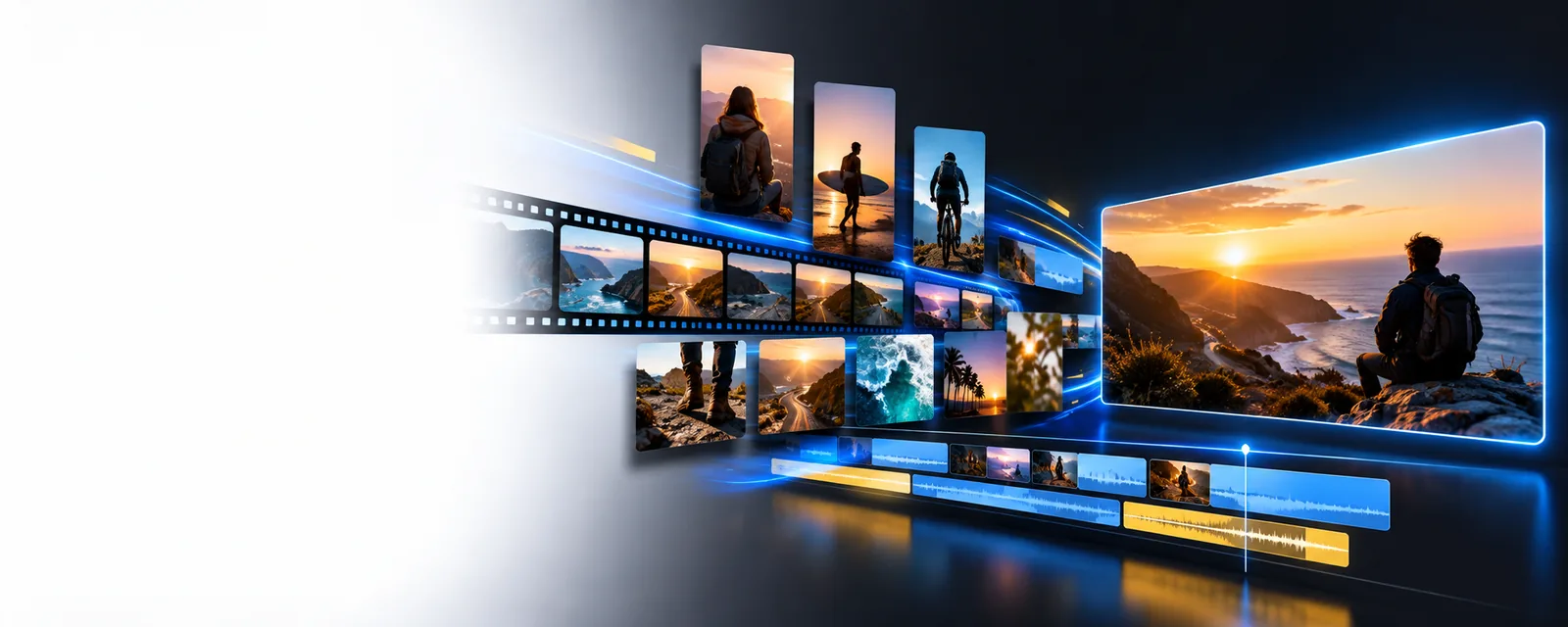
Choose the row that describes your source material. An online video editor is only useful if its available workflow matches what you need to make.
Take path A if the main job is choosing a start and end, removing pauses, and putting existing clips in order. This guide cannot confirm that every editing control is available at the destination.
What to do instead
Open the editor, inspect the available controls, and test a short duplicate of your footage before editing the full project.
Take path B if you need a sequence of still images with readable pacing. A photo-based project is not the same as trimming a recorded clip, and the destination's image-import options have not been verified here.
What to do instead
Check whether image import and sequencing are supported before preparing a large folder of photos.
The word free in a search does not establish what the destination permits. This page cannot guarantee unrestricted exports, watermark removal, or access without an account.
What to do instead
Read the current terms and inspect an export preview before investing time in a finished edit.
This tutorial cannot promise a particular resolution, file type, frame rate, or aspect ratio. Those options may depend on the editor and the project.
What to do instead
Check output settings against the requirements of the place where you intend to publish.
Use this path when you have recorded clips and want a watchable first cut. Keep the draft short so mistakes are easy to spot.
Set aside clips that serve a single purpose, such as showing a recipe step or summarizing an event. Write the intended opening and ending in one sentence. An online video editor cannot make unrelated shots feel coherent without a clear selection plan.
If the editor supports clip import and arrangement, place your strongest opening first, followed by the necessary middle and a definite ending. Trim obvious dead time before considering effects. Watch each join with sound on; an abrupt audio change is often more noticeable than a visual cut.
Play the sequence from beginning to end without stopping to tweak it. Note confusing transitions, unreadable text, and sound that overwhelms speech. Change the largest problem first, then replay the whole draft rather than judging only the edited moment.
Starting with still images? Plan the order before opening an online video editor: a beginning, a change, and a closing image give the sequence a reason to move forward.
Compare your source plan with the viewing experience you want. The images below illustrate a planning contrast, not a verified output from the destination.
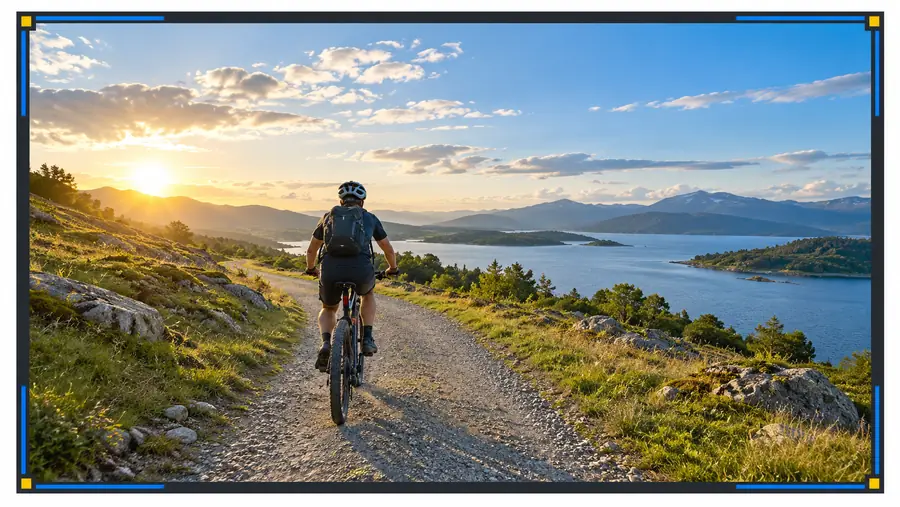
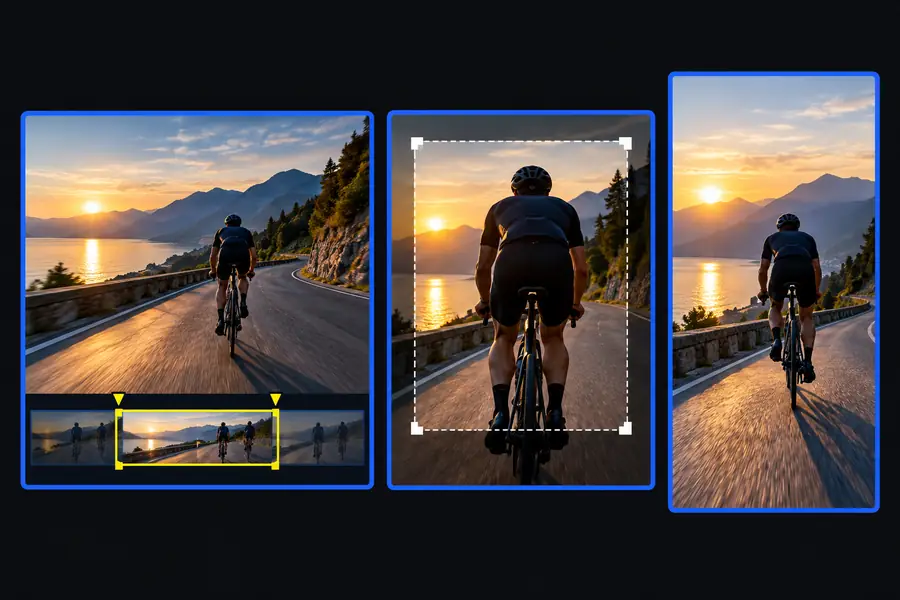
Use the comparison as a reminder to check order, pacing, and clarity. It is not a before-and-after claim about what this online video editor produces.
Source materialIntended presentation| Path A: recorded clips | Path B: still images | |
|---|---|---|
| Starting material | Video clips with movement and often recorded sound. | Photos or other still images that need an intentional order. |
| First decision | Which moments tell the story without unnecessary pauses? | Which image establishes the subject, and which image closes it? |
| Basic draft | Arrange selected clips and trim around the useful action, if those controls are available. | Arrange images and check how long each needs to remain visible, if those controls are available. |
| Sound check | Listen for sudden changes between clips and speech that is hard to hear. | Decide whether the sequence works in silence before adding sound. |
| Pacing problem | A shot stays on screen after its useful action has ended. | Images change before a viewer can understand what they show. |
| Export check | Confirm the full sequence and audio play as intended. | Confirm every image appears in the intended order and remains legible. |
The same final review applies to different projects, but the most useful next guide depends on what you are making.
You recorded several takes and need help deciding what to keep.
Start with a small sequence, trim only obvious pauses, and review it before adding anything decorative.
You have event photos but no recorded footage.
Group images by moment, choose a clear opening and ending, and test whether the available tools can sequence them.
You are preparing a short piece for a video channel.
Check the channel's current format requirements separately, then review the opening and audio on the exported draft.
Open Online Video Editor with your source files and a simple plan. Check the available import, editing, and export options before committing to a larger project; this guide does not guarantee particular features or access terms.
Choose a single short project and decide whether you are starting with clips or photos. Make a rough sequence first, then review its order, pacing, and sound. Check the destination's current access terms rather than assuming every step or export is available without restrictions.
Trim and arrange the useful moments first. Effects cannot fix a confusing order or a clip that runs too long. Once the plain sequence makes sense, consider whether any available effect genuinely helps the viewer follow it.
Yes, follow path B to plan an image sequence and test its pacing. Before organizing a large project, confirm that the editor you choose supports the image-import and sequencing controls you need. Do not assume that a tool described as an online video editor handles every kind of source material.
No. A tutorial can explain an editing process without establishing the destination's export conditions. Inspect the current terms and test an export before relying on a particular watermark outcome.
Play the entire exported draft, not just the preview in the editor. Confirm that the opening is clear, every intended clip or photo appears, text can be read, and the sound is comfortable to hear. Then verify that the file meets the requirements of wherever you plan to share it.