Family archivist
You have scanned photographs from several years and want them to play in a meaningful order.
Sort by date first, then add a soundtrack that does not obscure any recorded voices.
Photo video workflow
Turn a folder of pictures into a clear video plan before you open an editor. Decide which photos belong together, how long each should appear, and where the music should begin and end.
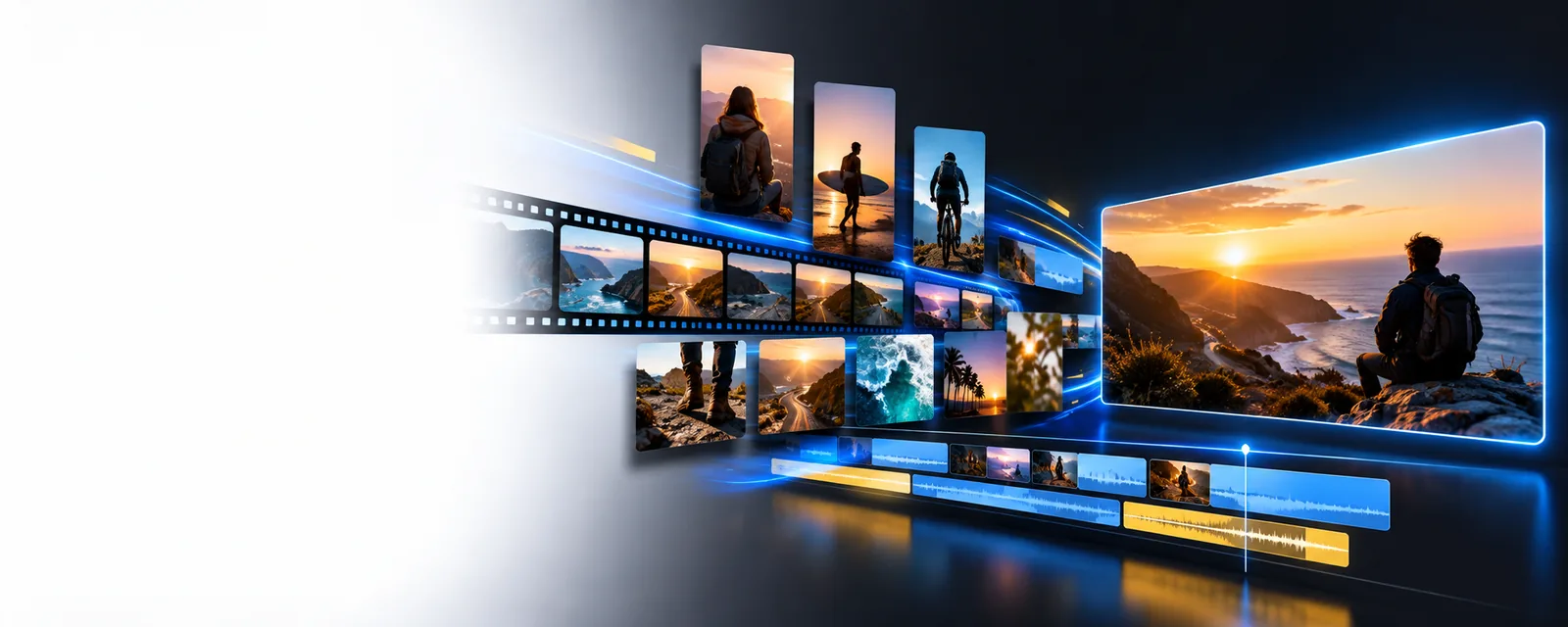
The best starting point depends on whether your project is a simple picture sequence, a narrated story, or a video for a particular channel.
You have scanned photographs from several years and want them to play in a meaningful order.
Sort by date first, then add a soundtrack that does not obscure any recorded voices.
You need a short recap made from guest photos, an opening title, and a closing thank-you.
Group images by moment so the sequence still makes sense if the music changes.
You are assembling still images for a video that will be published on YouTube.
Check the destination's framing and music-use rules before settling on an edit.
You have photos and a song but are unsure how a timeline fits them together.
Practice ordering images and checking the preview before attempting transitions.
Use this planning checklist to distinguish a picture sequence from a complete photo-and-music video. Check the editor you choose for its actual import and export options.
| Photos only | Photos with music | |
|---|---|---|
| Starting material | Ordered image files | Ordered image files and an audio file |
| First decision | Which photo opens the story | Which photo opens and when the music starts |
| Timing | Set each image's screen time | Set screen time against the soundtrack |
| Audio check | Not needed for a silent sequence | Listen for abrupt starts, endings, and volume changes |
| Rights check | Confirm permission to use the images | Confirm permission to use both images and music |
| Final review | Watch for cropping and ordering mistakes | Watch for cropping, ordering, and audio-sync mistakes |
Prepare the files before opening an online video editor. These limits are worth checking at each stage rather than discovering them after you have arranged every photo.
An editor cannot know the intended chronology of an unlabeled folder.
What to do instead
Rename or number copies in playback order, and set aside duplicates before import.
A music track may be unusable if its format is unsupported or you lack permission to publish it.
What to do instead
Check the editor's accepted audio types and use music you have the right to share.
Adding music does not automatically make image timing or portrait-photo cropping look right.
What to do instead
Preview the opening, several middle frames, and the ending; adjust timing or framing where needed.
If pictures appear out of order, check their filenames rather than relying on upload order. If music will not load, inspect the file type and permissions before replacing it. A photo video maker with music online free may describe the result you want, but confirm the available features and any export conditions in the tool you use.
Some online tools offer a way to begin without an upfront charge, but access and export conditions differ. Check the selected tool's current terms before assuming a finished video can be downloaded without payment.
There is no fixed number. Choose the strongest images first, then set their duration so viewers have time to understand each one; you can shorten the song or use an excerpt if the picture sequence is brief.
The file may use an unsupported audio format, be damaged, or be subject to restrictions. Check the tool's accepted formats and try a different file that you have permission to use.
Adding a song to an editor does not grant publishing rights. Check the license for your intended use, especially if you plan to post the video publicly or use it for an organization.