Video Editor

Photo-led video

Tell a story using an online video maker with photos

An online video maker with photos can give separate images an order, pace and beginning-to-end arc. Start by choosing the pictures that matter, then describe how you want the sequence to feel.

Review the result before sharing
Online Video Editor visual showing a video creation workspace

Still photos versus a photo-led video

The same pictures serve different purposes when viewed individually and when arranged as a timed sequence.

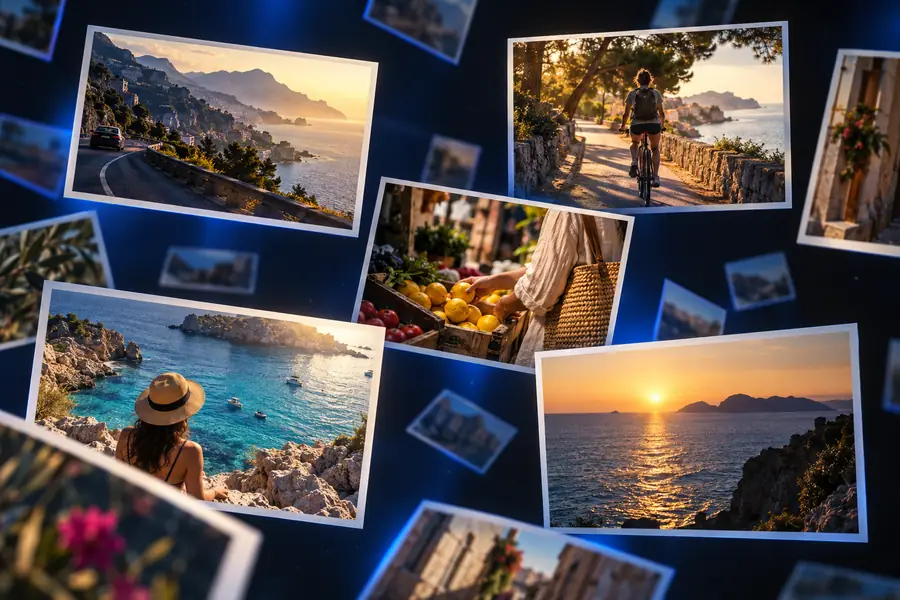
Photo collection Photo-led video
Viewing order The viewer chooses which image to open next. The sequence sets the order.
Time on each image The viewer decides when to move on. Each image has a set duration.
Narrative The connection between images may need explanation. The opening, progression and ending can carry the story.
Framing Each photo keeps its own composition. Cropping may be needed for a consistent video frame.
Text Captions can sit beside individual photos. Titles must remain readable while the video plays.
Sound The collection is silent. Sound can accompany the sequence if the chosen workflow supports it.
Sharing Images can be shared separately or as an album. The sequence can be shared as one finished piece.

What conversion loses

A video fixes the pace that an album leaves to its viewer. That can strengthen a story, but it can also hide details people would otherwise pause to inspect.

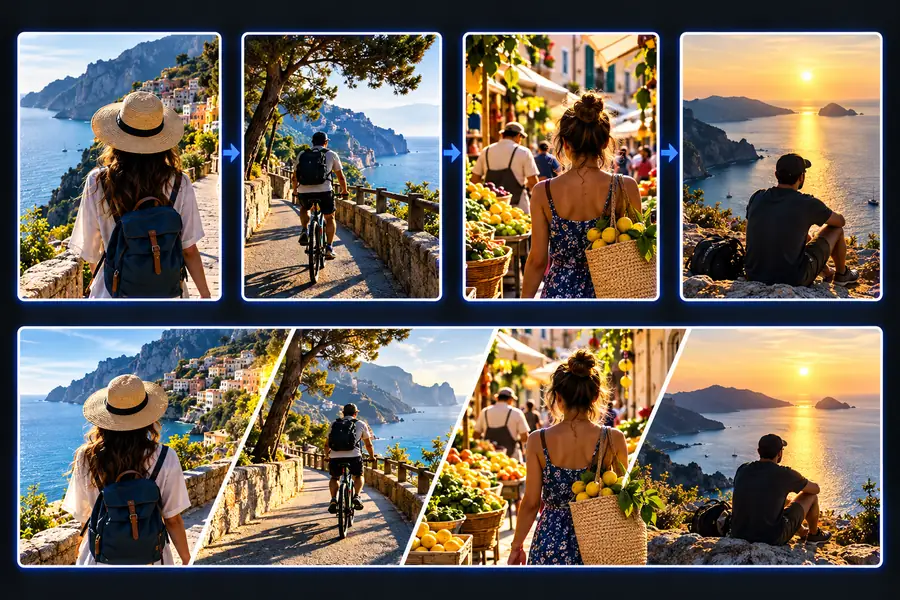
Illustrative view representing photos before they are arranged into a video Illustrative view representing a photo-led video

Separate photos

Illustrative views, not a frame-by-frame export comparison. Check important faces, signs and text at normal playback speed; a short display time or tighter crop may make them hard to see.

Video sequence

The tool block: choose a sequence for your audience

Begin with a small set of photos and a clear ending. The intended viewer should guide the order before you think about transitions.

Family storyteller

Arrange pictures from a celebration in the order events happened, with a final group photo.

A beginning and ending make the occasion easier to follow than an unsorted album. For a route focused on turning images into a sequence, see photo to video maker online free.

photo to video maker online free

Travel diarist

Move from departure to destination, keeping similar views together rather than repeating them.

A simple route gives viewers a sense of place. If music is central to the plan, compare the photo video maker with music online free workflow.

photo video maker with music online free

Small business owner

Show a product's details, use and final appearance in a deliberate order.

The viewer sees how the product fits together instead of receiving disconnected product shots. The photo to video maker online free guide covers a related image-first approach.

photo to video maker online free

Community organizer

Introduce an event with venue photos, show its activities, then close with a memorable moment.

The sequence gives absent members a quick recap. The photo video maker with music online free page considers the extra planning sound can require.

photo video maker with music online free

How to verify after: lessons from photo-video history

The format has changed, but its common problems remain familiar. Use these milestones as prompts for a final viewing check.

  1. Projected slides established the sequence

    A presenter controlled how long each image stayed visible. Today, watch your video at normal speed and make sure every key photo has enough time to register.

  2. Desktop slideshows added timed transitions

    Timing became part of the file rather than the presentation. Check whether each transition supports the story instead of interrupting it.

  3. Online video made one-file sharing familiar

    A sequence could travel without its original photo album. Preview the finished piece from start to finish to catch a missing image or an abrupt ending.

  4. Phone screens changed the viewing frame

    Photos shot in different orientations often met a single video shape. Check crops on the device where viewers are most likely to watch.

  5. Short-form viewing raised the value of a strong opening

    Viewers can decide quickly whether to continue. Confirm that the first images establish the subject without rushing past important context.

Make the sequence yours

Choose a clear opening, remove near-duplicates and decide which image deserves the final frame. Then describe the sequence you want in Online Video Editor and inspect the result before you share it.

Start with the photos that tell the story

  • Put the strongest opening image first
  • Check crops and readable text
  • Watch the full sequence at normal speed
Create photo video

Photo-video FAQ

Start with images that establish the subject, show a change and provide an ending. Remove near-duplicates unless each one adds a distinct moment.

Chronological order works well for an event or journey, while a product story may work better from overview to detail to final result. Whichever order you choose, make the relationship between consecutive images easy to understand.

It can if the photos and video frame use different shapes. Preview every image, especially portraits, group shots and pictures with text near an edge.

No; a clear visual sequence can stand on its own. If you add music, check that it suits the pacing and that you have permission to use it when sharing.

Watch it once without pausing, as a viewer would. If a detail disappears too quickly, a crop obscures the subject or the ending feels sudden, revise the sequence before sharing.

Start creating
Start creating