First-time editor
You have a short clip and want to understand the editing sequence before taking on a larger project.
Start with a small test, review the result, and use a beginner workflow to identify the controls you actually need.
Editing basics
An online video editor app is a tool for preparing or changing video through a web-based workflow rather than relying entirely on installed desktop software. The word “app” describes the tool, not necessarily an app you download to your phone. Here is how to tell what kind of editor you are looking at and whether it suits your project.
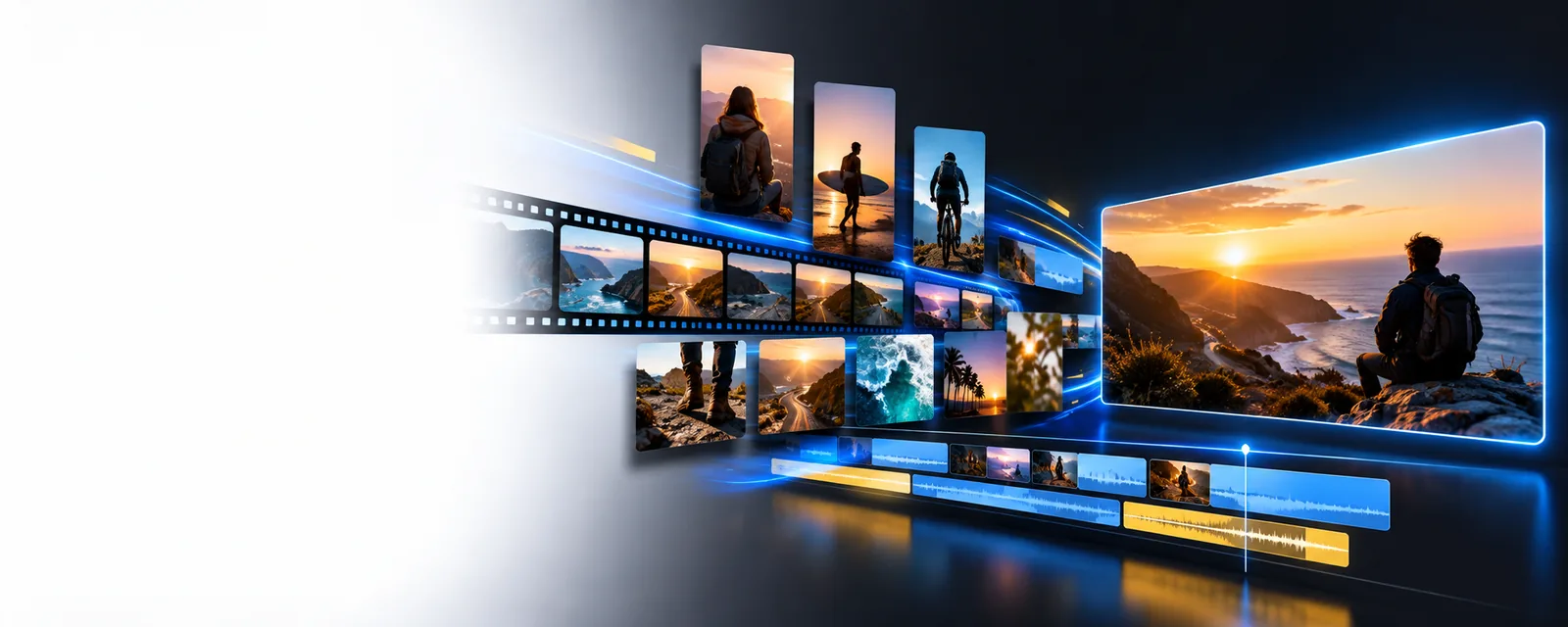
“Online,” “editor,” and “app” answer different questions: where a tool runs, what it is for, and how people refer to it. None of those words alone guarantees a particular feature.
An online video editor is a workflow, not a promise that every task happens instantly or on your device. Check the tool you choose before committing important footage.
The word “app” can describe a browser tool. A site that works on a computer may not offer the same controls on a small touchscreen.
What to do instead
Check device compatibility and try a short project on the device you plan to use.
A web-based online video editor may need a connection to load the workspace, handle media, or complete an output.
What to do instead
Keep local copies of source files and choose an offline editor when connectivity is unreliable.
The category alone says nothing about watermarks, available formats, account requirements, or export limits.
What to do instead
Review the specific service’s current terms and test an export before building a long project.
The basic sequence is easy to understand, but its details depend on the service. An online video editor app may use a timeline, guided steps, or another approach.
Gather footage, images, and audio you have permission to use. Check whether the particular online video editor accepts your file types and whether a connection is needed to bring them into the workspace.
Arrange or adjust the material using the controls the app actually provides. A simple project might need only a shorter clip; captions, effects, and multitrack audio require a tool that explicitly supports them.
Watch the full result, including its opening, ending, and sound. Confirm the available output method and any restrictions before treating the project as finished.
A browser workflow can be convenient, but installed software may be the better fit when your files, connection, or editing requirements make web access a constraint.
| Online video editor | Installed desktop editor | |
|---|---|---|
| Getting started | Open the service and follow its access requirements. | Install and configure software before editing. |
| Internet dependence | May need a connection for the workspace or output. | Can support offline work, depending on the software. |
| Very large source files | File handling may depend on connection speed and service limits. | Local file handling may be more practical when storage and hardware allow. |
| Sensitive footage | Review the service’s handling and retention policies before adding files. | Local editing offers a different file-handling path, though backups and security still matter. |
| Device switching | Access may be convenient across supported browsers and devices. | Projects may depend on the installed setup and how files are transferred. |
| Specialized controls | Check the individual app for the exact tools you need. | Choose software with confirmed support for the required workflow. |
The right choice depends less on the label “app” than on where you will work and what you need to finish.
You have a short clip and want to understand the editing sequence before taking on a larger project.
Start with a small test, review the result, and use a beginner workflow to identify the controls you actually need.
You plan to work at a computer but are unsure whether you need to install a dedicated program.
Compare browser access with local editing around your files, connection, and preferred working setup.
You want to avoid assuming that an editor’s core workflow and its final output have identical access terms.
Check the specific service’s conditions, including any restrictions that matter to your finished video.
If a web-based approach fits your project, visit Online Video Editor’s destination and check its current tools and terms against the files you want to work with. A short test project is the clearest way to see whether the workflow suits you.
It is a video editing tool described as an app that uses an online workflow. The phrase does not tell you whether it has a downloadable mobile version, which features it includes, or what conditions apply to its output.
Not necessarily. “App” is a broad term, while “online” usually points to a service accessed through the web; support for a phone browser or a separate mobile app depends on the provider.
That depends on how the particular service handles files. Read its file-handling information before adding footage, especially if the material is private or sensitive.
It may be enough for a project if it supports your required files, controls, and output. Installed software can be a better choice when offline work, local file handling, or specialized editing controls are essential.