Small business owner
A promotional clip looks ready in preview, but the final file needs a branding check.
Test a short export first so the deliverable matches the intended use.
Plan before creating
A free online video editor can sound like a simple starting point, but access, usable features, and export terms may differ. Prepare a small test project first, then check what the destination actually allows before building your full video.
Before you start, decide what the finished video must contain and which conditions would make an editor unsuitable.
Opening an editor without an upfront charge does not tell you whether your intended output, length, or resolution is available under the same terms.
What to do instead
Check the destination's current export conditions using a short test before committing to a long project.
A preview can look right while the downloaded result carries branding. Do not assume that an on-screen preview represents the final file.
What to do instead
Inspect an actual test export and its terms before using it for a client or public post.
This page cannot confirm whether the destination requests an account, verification, or another step before saving work.
What to do instead
Check the current entry and save flow before preparing materials you cannot easily recreate.
An editor cannot choose your strongest footage or establish permission to use music and images on your behalf.
What to do instead
Gather permitted assets and write a short shot list before testing any tool.
Run one small project from brief to finished file instead of judging an editor solely by its opening screen.
Choose a single purpose, such as introducing a product in 20 seconds. Write down your opening message, the three points viewers should remember, and where the video will appear.
Use a short description or assets you have permission to use. Try the destination's available creation flow, then review pacing, legibility, sound, and how easily you can revise an unsatisfactory result.
If an export is available, inspect the actual file for branding, dimensions, audio, and completeness. Confirm any access conditions before repeating the process with your final materials.
Compare the access question you care about most rather than treating every use of the word free as the same promise.
A more specific request makes it easier to judge whether a result serves your goal, even when the available controls are limited.
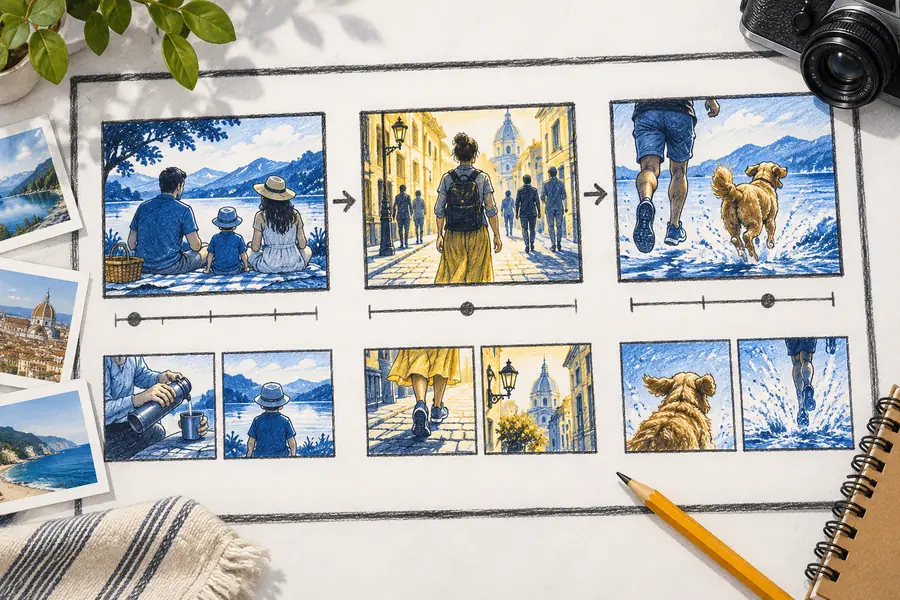
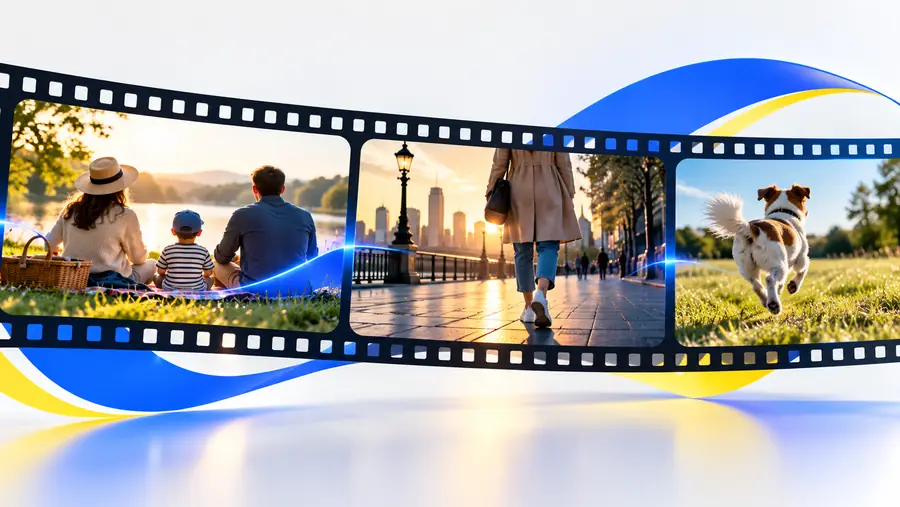
These images illustrate a planning contrast, not a verified before-and-after result or a promised output.
Loose idea: make a product videoClear brief: hook, benefits, closing messageThe most common mismatch is discovering a requirement only after you have spent time on the edit.
A promotional clip looks ready in preview, but the final file needs a branding check.
Test a short export first so the deliverable matches the intended use.
A deadline is close and the project must be saved or shared from another device.
Confirm the save flow early rather than assuming that access continues without an account.
The opening idea is broad, making every draft difficult to evaluate.
Write a brief with an audience, duration, and closing message before testing tools.
A volunteer has suitable photos but needs permission and a clear message for a public clip.
Confirm asset rights and assemble a small test project before preparing the final announcement.
Online Video Editor can send your brief to the destination. Check its current access conditions and review a finished result before deciding whether it fits your larger project.
It may describe an entry point, a limited set of tools, or a particular type of output. Check the destination's current conditions for the exact project you intend to finish; this page does not establish what it offers without charge.
That depends on the destination's current export rules and the result you need. Test a small project and inspect the available export conditions before relying on it for a deadline.
Do not infer watermark status from an editor preview. Review the terms and an actual exported file, if available, before publishing or delivering it.
An editor may have different requirements for opening, saving, and exporting a project. Check each stage on the destination before beginning work you need to keep.
Start with your audience, intended duration, key message, and a small set of assets you can legally use. A short test lets you evaluate the creation and delivery flow without putting a larger project at risk.