Video Editor

Desktop video workflow

Make an online video editor for pc work for your project

An online video editor for pc lets you approach a video project from a desktop browser rather than installing a traditional editing program. Start with a clear plan for your footage, then check the available tools and export options before committing to an edit.

Free to start · no signup
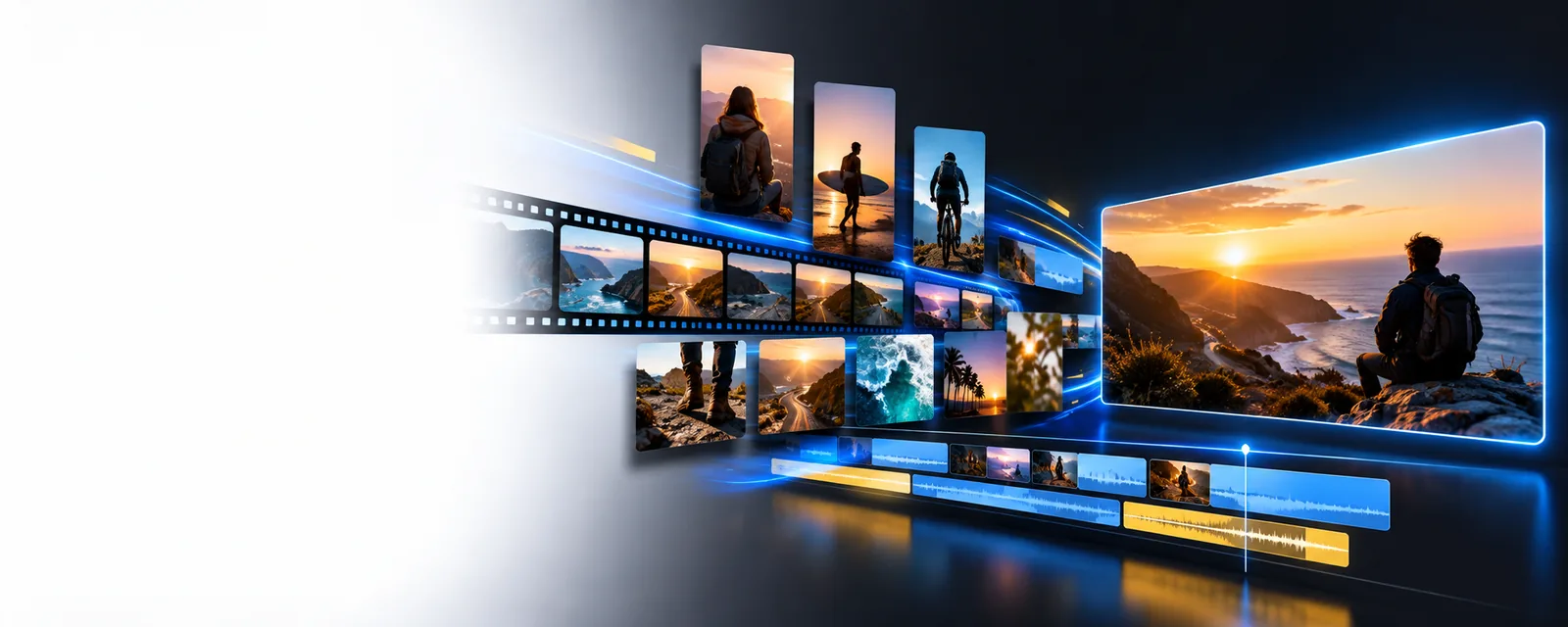
Online Video Editor visual preview

A practical starting point

A browser workspace for your PC

A PC gives you room to review footage, keep source files organized, and inspect a preview on a larger screen. Browser-based editing may suit a short project, but the right choice depends on your files and the result you need.

How to approach it

Three parts of a desktop editing workflow

Treat an online video editor as a workspace, not a guarantee that every file or editing task will be supported. These steps help you find out whether a browser workflow fits before spending time on a full cut.

  1. 1

    Prepare the source material

    Put your clips, images, and any approved audio in a project folder on your PC. Name files in a useful order and decide which moments are essential. Keep the originals unchanged so you can return to them if an upload or edit fails.

  2. 2

    Build a short first pass

    Open the tool and check which inputs and controls it actually offers. If it accepts your files, assemble a brief sequence before adding titles or other finishing touches. Preview that sequence to catch awkward cuts and missing context early.

  3. 3

    Check the result before sharing

    Review audio, text placement, and the beginning and end of the video. Confirm the available output format, resolution, file limits, and any watermark conditions in the tool you use. Save a copy of your project materials until the final video has been checked.

Choose your route

Where PC editing fits—and what to check

An online video editor may be convenient for a quick browser session, while longer or more complex work can call for different tools. Match the workflow to your project rather than assuming every desktop browser offers the same capabilities.

First-time editor

You have several short clips on your PC but have not planned their order.

Make a simple sequence first; save detailed effects for after the story is clear. The online video editor tutorial for beginners provides a more focused starting checklist.

online video editor tutorial for beginners

Channel creator

You are preparing a video for a specific publishing destination.

Check that destination’s current format guidance and preview the final framing. The online video editor for youtube page covers planning for that channel.

online video editor for youtube

Editor with delivery requirements

Your finished video must meet a client’s or team’s visual requirements.

Verify export quality and watermark terms before beginning the full edit. The free online video editor no watermark page explains what to inspect.

free online video editor no watermark

Take your next step from your desktop

Have your project idea ready, along with the files and delivery requirements that matter to you. Open Online Video Editor’s video-tool destination, inspect its current options, and decide whether they suit the edit you want to make on your PC.

Explore a video workflow

  • Keep your original files available
  • Check supported inputs before committing
  • Review export conditions before sharing
Explore video tools

Questions about editing video on a PC

A PC with a compatible browser can be a starting point for browser-based video editing. Whether a particular tool works for your project depends on its browser requirements, supported files, and available features. Check those details before preparing a large edit.

A browser-based tool is designed to be accessed through a browser, so a separate desktop editing application may not be needed. You will still need to check that the specific tool supports your browser and the work you intend to do.

Gather your source clips, images, and audio in one folder, and keep untouched copies of the originals. Decide on the video's intended audience and approximate sequence. This makes it easier to test an online video editor with a short draft.

That depends on the tool, your browser, your connection, and the size of the project. Test a representative set of files first and check any published limits. A demanding edit may be better suited to a dedicated desktop application.

Look at the available format, resolution, file-size limits, and any watermark conditions for the tool you choose. Then watch or inspect the exported file, not just the editing preview. Pay particular attention to audio, captions, and the first and last frames.

Start creating
Start creating